Explore available stories and discover content from participating publishers.

Web Story Hub
rajkumar29000
Discover stories. Explore publishers.
Free
To download
Story discovery
App experience
Publishers
Submit your content
Get it on Google Play
Publisher submissions are currently free and subject to review.
Explore Web Story Hub
Discover stories from publishers and explore content in a visual, mobile-friendly format.
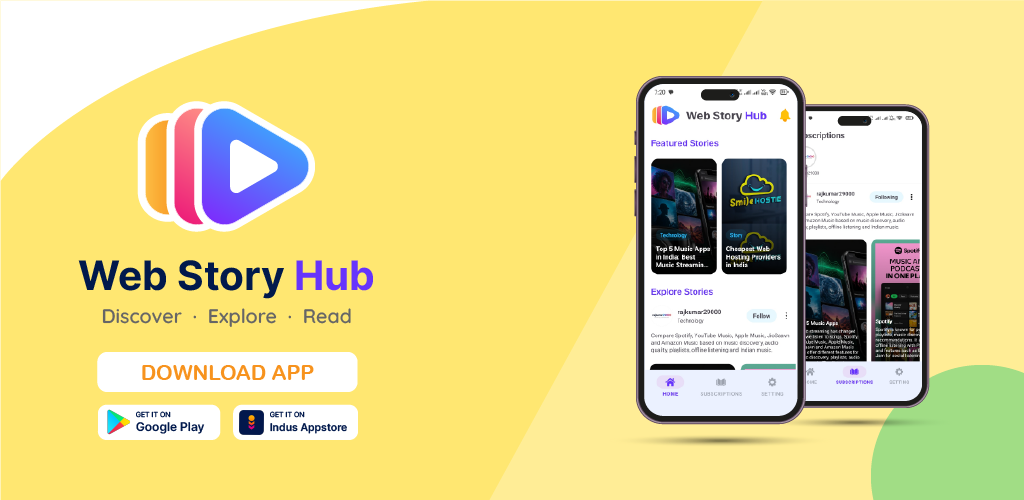
App Screenshots
Take a look at the Web Story Hub experience. Swipe horizontally to view more screenshots.
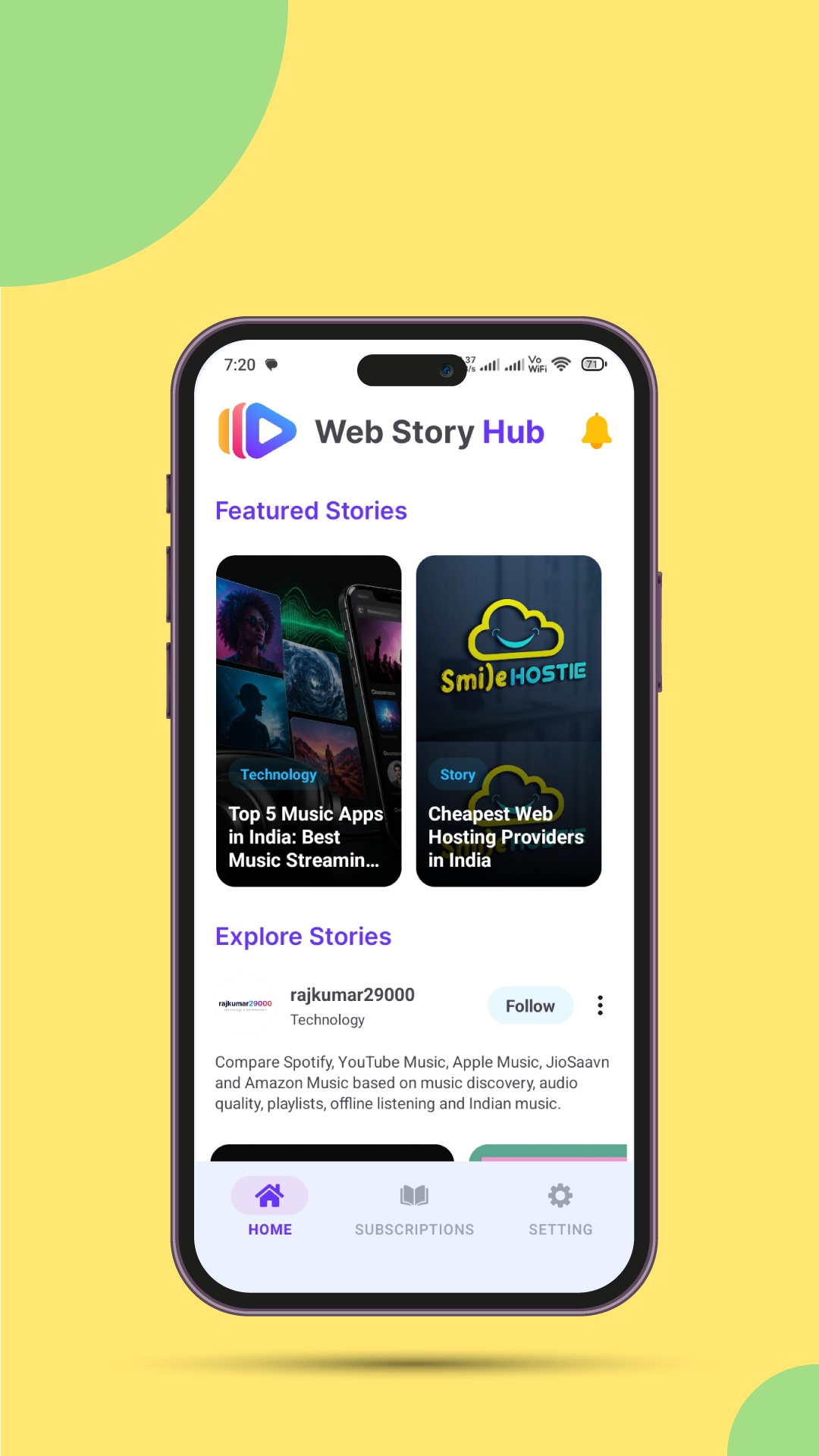
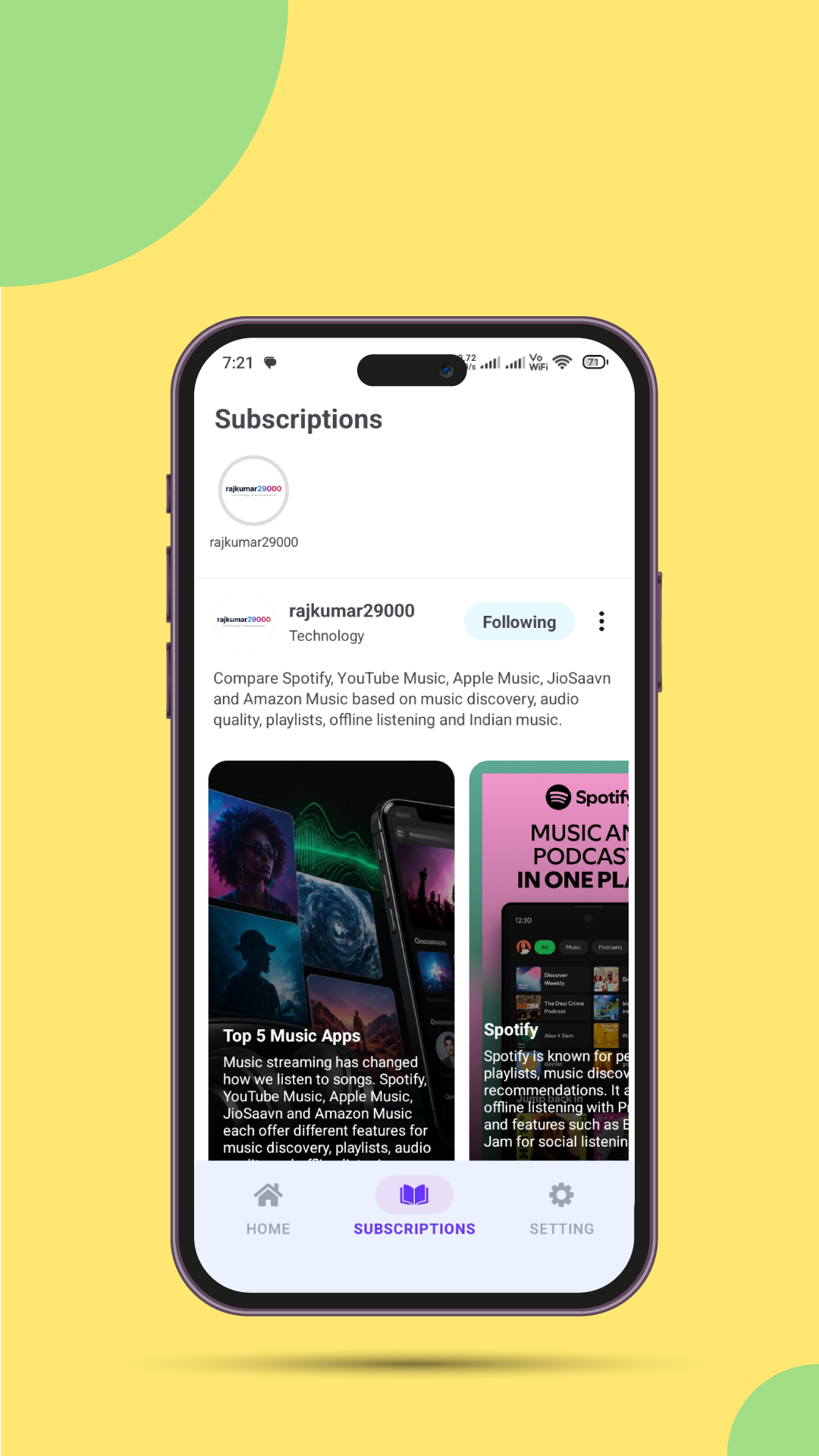
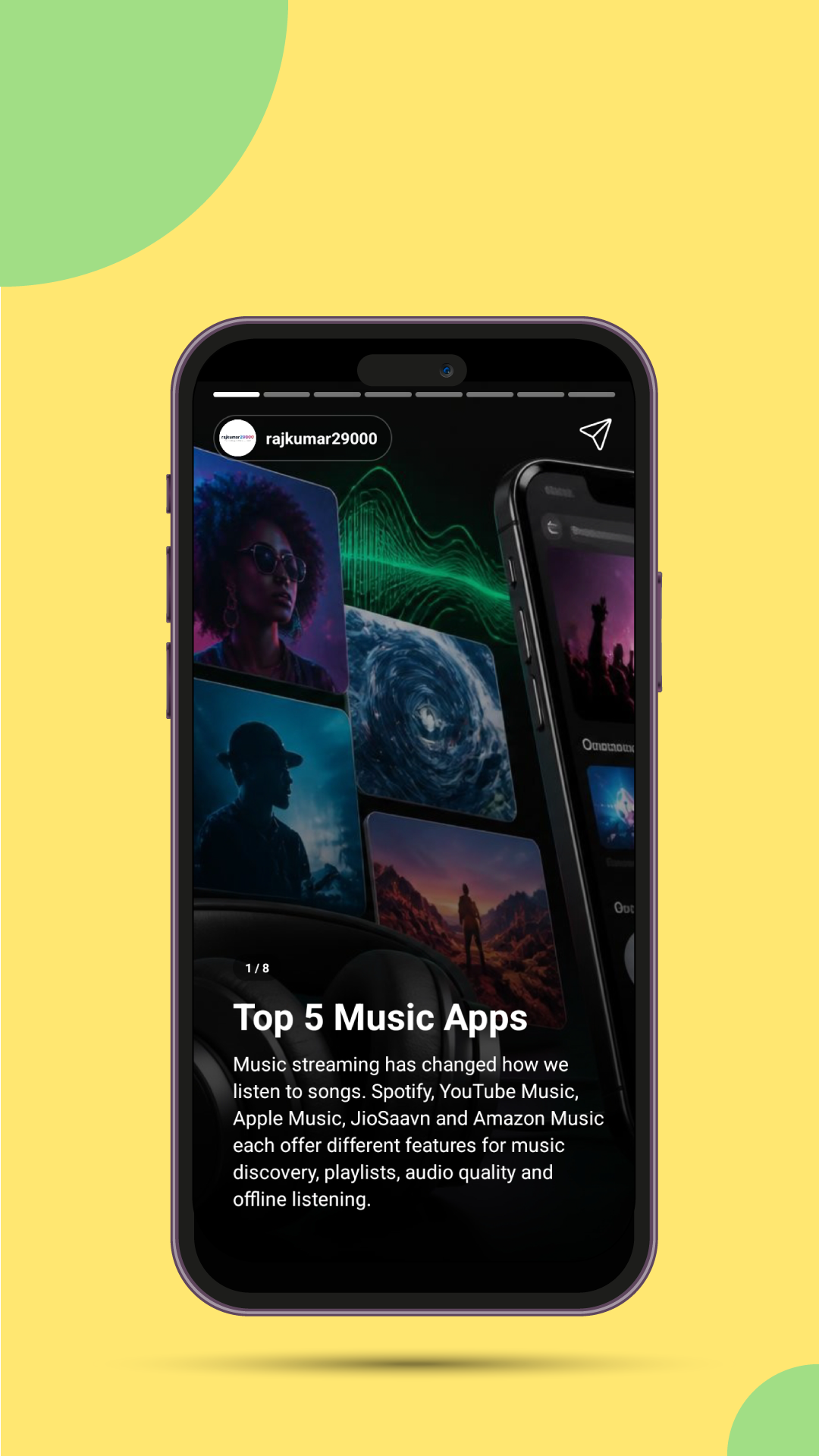
Discover Stories with Web Story Hub
Web Story Hub is a story-discovery platform designed to help readers explore content from publishers in a visual, mobile-friendly format. Browse available stories, discover publishers and follow publications that interest you.
Find publishers and browse their available content.
Follow supported publishers to make it easier to find content from publications you enjoy.
Publishers can use the Submit URL option in Settings to request consideration for inclusion.
Publisher submissions are currently free but subject to review. Acceptance and content visibility are not guaranteed.
Free Blog Listing and Promotion Opportunities
Have a blog, technology website, tutorial site or another informative publication? Submit it for consideration and give readers another opportunity to discover your content.
Free Publisher Submission
Submit your website for consideration without a submission fee during the current free-submission period.
Content Discovery
Give eligible stories another opportunity to be discovered by people browsing Web Story Hub. Actual exposure varies.
Independent Creators Welcome
Blogs, educational resources, technology tutorials and other useful publications can request consideration.
How to Submit Your Blog or Website
Use the Web Story Hub Android app to send your website for review. Provide a working website and the feed or content information requested by the submission process.
Install the App
Install Web Story Hub from Google Play and open the app.
Open Submit URL
Go to Settings and select Submit URL. Follow the instructions to provide your website and content-feed details.
Submit for Review
Check your information before submitting. Your website and content may be reviewed before a decision is made.
Prepare Your Content Feed
If the submission process asks you to provide a JSON feed, follow the required content format and make sure your URLs and images are accessible. Only submit content you are authorized to share.
What Types of Websites Can Apply?
These are examples of topics that may be suitable. Suitability does not guarantee acceptance or placement.
Technology and Development
Programming tutorials, Android development, software guides, developer tools and technology explainers.
Education and Learning
Educational articles, practical how-to guides, learning resources and informative tutorials.
Other Informative Blogs
Original, useful publications in other topics may also be considered when they meet platform requirements.
Publisher Eligibility and Content Rules
We want submissions to provide value to readers and respect the rights of publishers and other people. Review these requirements before submitting.
- Working website: Provide a valid website URL and accurate publisher information.
- Useful content: Submit relevant, accessible material that offers genuine value to readers.
- Content rights: You must own the submitted material or have the necessary permissions and licenses to distribute it, including text, images, videos and other media.
- Honest representation: Do not impersonate another publisher, misrepresent ownership or submit deceptive URLs or metadata.
- Prohibited material: Content that violates applicable law, intellectual property rights, platform rules or our Terms of Service may be rejected or removed.
- No spam or manipulation: Repetitive, misleading, automatically generated low-value or manipulative submissions may be declined.
- Accessible feed: If a feed is required, keep it valid and ensure the submitted content and media can be accessed as described in the documentation.
Review, Rejection and Removal
Submission does not guarantee approval. We may request additional information, decline an application, limit distribution or remove a listing when necessary to protect readers, respect rights, address abuse or enforce our policies. Publishers may contact us to ask about a decision or report an error.
What Free Blog Promotion Does—and Does Not—Mean
Web Story Hub offers publishers an opportunity to submit eligible content for possible discovery through the app. It does not guarantee search-engine promotion or advertising results.
- No guarantee of acceptance or featured placement.
- No guaranteed number of views, visitors, clicks or downloads.
- No guaranteed Google rankings, backlinks or SEO improvements.
- No guaranteed advertising revenue, leads or business growth.
Results depend on factors such as content quality, reader interest, availability and how content is presented in the app. Do not submit a website on the assumption that it will receive a particular amount of traffic.
Frequently Asked Questions
Is blog listing on Web Story Hub free?
Publisher submissions are currently free. We do not promise approval, a specific placement or a particular promotional outcome.
How can I submit my website?
Install the app from Google Play, open Settings, choose Submit URL and follow the submission instructions.
Will submitting my blog increase my Google ranking?
No ranking improvement is guaranteed. Submitting your content to Web Story Hub is not a promise of backlinks, indexing, higher search positions or SEO results.
Can I submit content written by someone else?
Only if you have the rights or permission needed to distribute it. You are responsible for ensuring that the content and media you submit can legally be shared.
Can my submission be rejected or removed?
Yes. Submissions may be rejected or removed if they do not meet our requirements, violate rights, contain prohibited material or create other policy concerns.
How do I report copyright infringement or inappropriate content?
Contact us through our contact page with the relevant URL and details. For copyright reports, identify the material and explain your rights to it.
How is publisher information handled?
Read our Privacy Policy for information about data handling and our Terms of Service for the conditions governing use of the service.
Ready to Submit Your Publication?
Get Web Story Hub, open Settings, and choose Submit URL to begin the publisher submission process.